

Description
Mandatory Safety Protocol
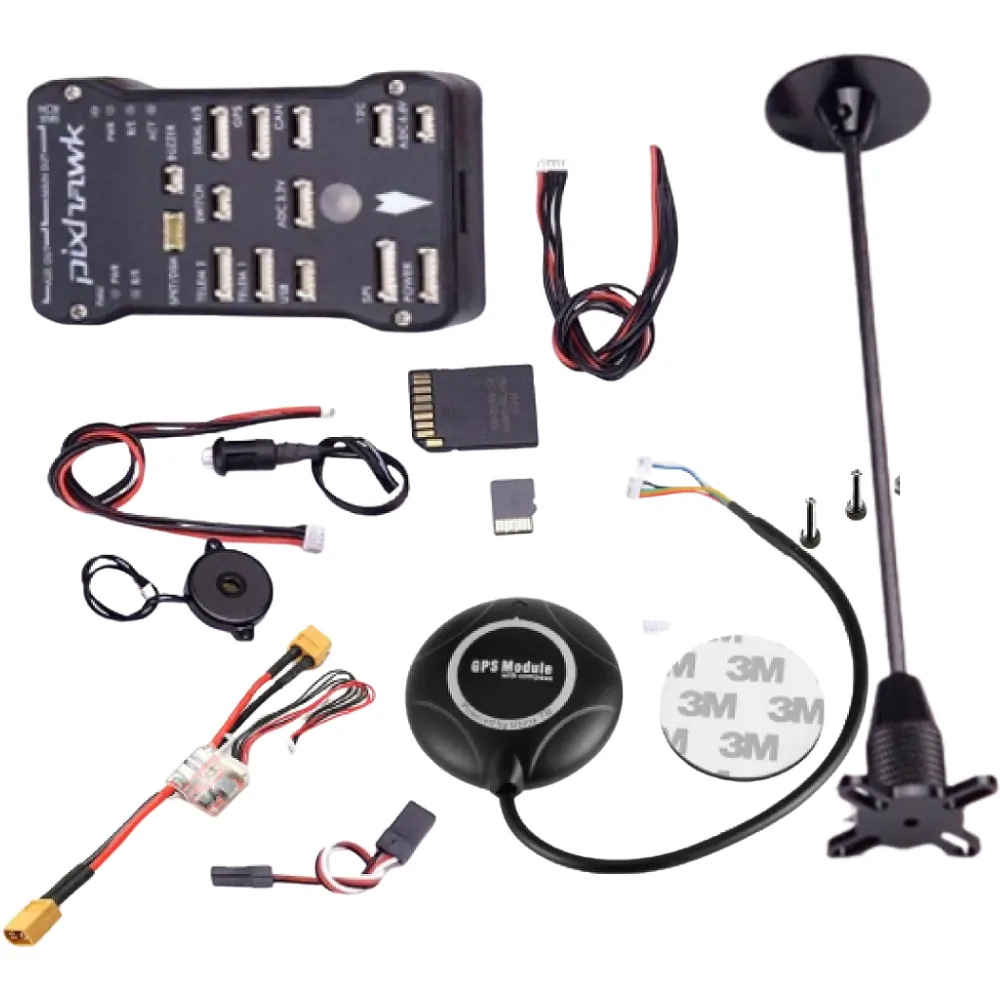
The safety switch (Safety Button) is a key requirement of the Pixhawk architecture. It disables the PWM output to the motors and servos, ensuring that even if the drone is “armed” via the transmitter, the props won’t spin until the physical button is held down. The integrated red LED provides immediate visual confirmation: constant blinking for initialization, intermittent for “Safe” mode, and solid when the system is live and ready to fly.
Clear Audible Feedback
The high-output passive buzzer from RoboShop BD is the “voice” of your drone. It communicates through a variety of musical tones and patterns to inform you of successful GPS lock, low battery warnings, arming success, or system errors. This is essential for field operations where the flight controller might be hidden inside a canopy or when you cannot see your ground station screen.
Key Features
-
Mandatory Hardware: Essential for the initialization and arming process of all Pixhawk 2.4.6 and 2.4.8 controllers.
-
Status LED: High-visibility red LED indicates safety state (Safe, Armed, or Initializing).
-
Multi-Tone Alerts: Different audible patterns for Pre-arm checks, GPS Lock, and Failsafes.
-
Plug-and-Play: Features dedicated JST-SH connectors for the “Switch” and “Buzzer” ports on the Pixhawk.
-
Flexible Mounting: Long 25cm cables allow you to mount the switch on the exterior of the drone frame for easy access.
-
Passive Buzzer Design: Lightweight and low-power, drawing only minimal current from the board.
Technical Specifications
| Specification | Details |
| Compatibility | Pixhawk 2.4.6, 2.4.8, PixRacer, PX4 |
| Switch Type | E-Switch with Integrated Red LED |
| Buzzer Type | Passive Piezoelectric (50dB+) |
| Cable Length | ~250mm |
| Connector (Switch) | 3-Pin JST-SH (1.25mm) |
| Connector (Buzzer) | 2-Pin JST-SH (1.25mm) |
| Switch Mounting Hole | 8mm Diameter |
| Weight | ~12g (Combined) |
Reviews
There are no reviews yet.